Every time we shop online, use an app, access online banking, or browse social media, we share personal data. When a data breach occurs, people often think of cyber security. However, data privacy and data security are equally important – and understanding the difference between them is essential.
Data privacy and data security are closely related, but they are NOT the same. Understanding the difference helps individuals and organisations make better decisions about how information is collected, used, and protected.
What Is Data Privacy?
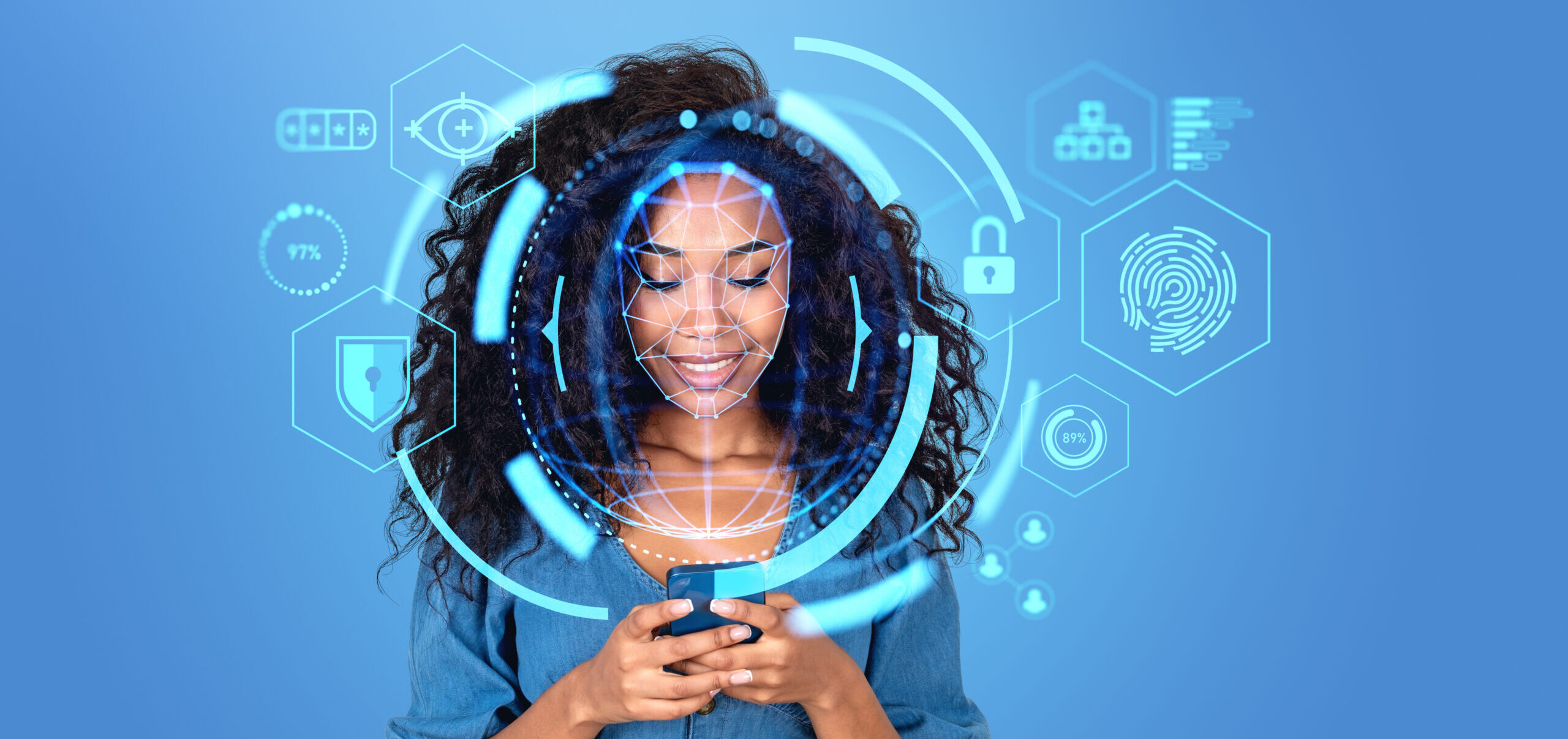
Data privacy refers to how personal information is collected, used, shared, and stored. It focuses on individuals’ rights and organisations’ responsibilities when handling sensitive data such as:
• Names and contact details
• Financial information
• Health records
• Online activity and location data
In South Africa, the Protection of Personal Information Act (POPIA) gives individuals greater control over their personal information and requires organisations to handle it responsibly.
In simple terms, data privacy answers the question:
“Who should have access to personal information, and how should it be used?”
What Is Data Security?
Data security, on the other hand, focuses on protecting data from unauthorised access, breaches, and cyberattacks. It involves technical and organisational measures such as:
• Encryption
• Firewalls
• Multi-factor authentication (MFA)
• Secure cloud storage
• Regular security audits
Data security answers the question:
“How do we protect information from being accessed, altered, or stolen?”
While privacy and security are different, they work hand in hand. One focuses on who can access and use information, while the other focuses on protecting it from unauthorised access and threats. Together, they form the foundation of responsible data protection.

Simple Steps to Protect Yourself
Even though organisations carry major responsibility, individuals can take steps to protect themselves:
1. Use Strong Passwords:
• At least 12-16 characters
• A mix of letters, numbers, and symbols
• Unique passwords for each account
• Consider using a password manager.
2. Enable multi-factor authentication (MFA):
MFA requires an additional verification step, such as:
• An authentication app
• Security key
• SMS code (less secure but better than password-only)
3. Regularly update software:
Keep updated:
• Operating systems
• Browsers
• Mobile apps
• Antivirus software
4. Stay Alert to Phishing Attempts:
• Always verify the sender’s email address, not only the display name, to confirm the legitimacy of the sender.
• Be vigilant of suspicious or unexpected links embedded in documents or PDF files.
• Avoid opening attachments in suspicious or unexpected emails, as they may contain malicious content.
5. Review privacy and permission settings on apps and devices
• Regularly review your app privacy settings.
• Check and limit the permissions that apps have access to.
While no security measure is foolproof, these simple habits can go a long way towards reducing your risk online.
If you’re unsure how to verify or review the above settings, you can always reach out to us at support@psiservices.co.za or on 087 537 0777.
Final Thoughts
As technologies such as artificial intelligence (AI), the Internet of Things (IoT), and cloud computing become more integrated into everyday life, the amount of data being collected and shared continues to grow. While these technologies offer significant benefits, they also create new challenges when it comes to privacy and security.
As our reliance on technology continues to grow, protecting data becomes everyone’s responsibility – from the organisations that collect it to the individuals who use it every day.