Essential Benefits of Antivirus Software

In the digital age, the safety of our personal and professional data is of utmost importance. One of the key tools in maintaining this safety is an antivirus software. Here are some of the major benefits of having an antivirus installed on your computer: 1. Protection from Viruses The primary function of an antivirus is to detect… Continue reading Essential Benefits of Antivirus Software

Bitwarden, the Password Management Software you need

How do you save all of your passwords? Do you write them down, keep a spreadsheet or simply try and remember them all? While you may feel writing them down or keeping a spreadsheet may be a safe and handy way to store your passwords, it’s not. These storage methods pose a great security risk… Continue reading Bitwarden, the Password Management Software you need

ESET Antivirus – 5 Reasons Why You Need It

ESET is an antivirus and antimalware security solution that ensures your computers protection. ESET is essential for any computer user and here’s why: ESET has a live grid system that runs across all their endpoint products. Meaning that if one user gets infected with a new type of virus, the software will detect it and… Continue reading ESET Antivirus – 5 Reasons Why You Need It

Schedule emails in Outlook – Here’s how

Increase productivity with delayed delivery in Microsoft Outlook by scheduling email reminders to clients, colleagues, or students by following these few steps:  1.      Open a new email message  2.      Select options, then delayed delivery  3.      Ensure “Do not deliver before” box is ticked, select a date and time you’d like your email to be delivered … Continue reading Schedule emails in Outlook – Here’s how

Tech tip: Switch between windows with this shortcut

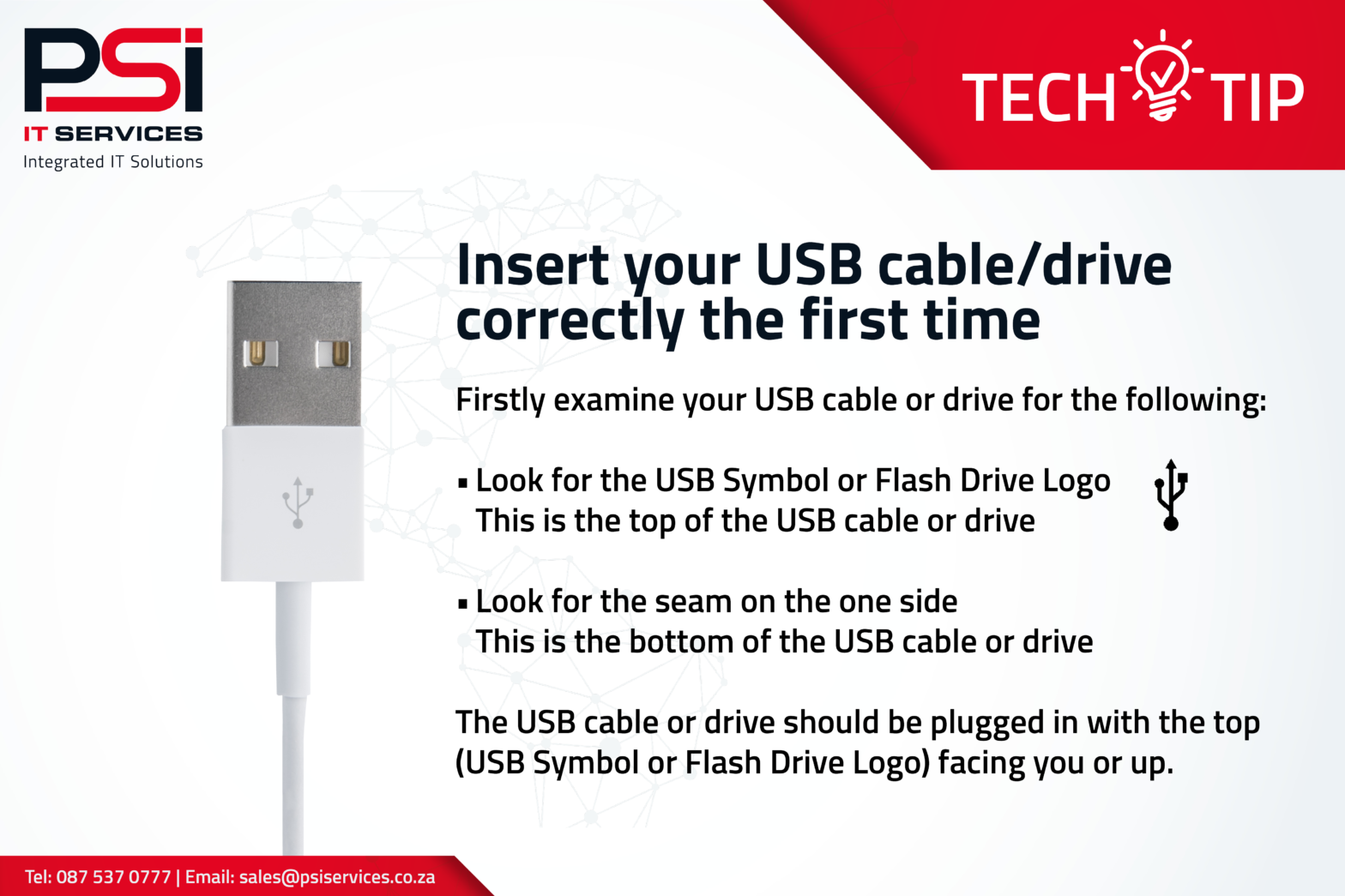
Tech tip: Insert your USB cable correctly the first time

Microsoft Outlook Shortcuts Worth Knowing

Side view of freelancer typing on computer laptop on white table with hot coffee cup in cafe

Microsoft Office is a program that most of us use every day, therefore, learning to navigate through it using keyboard shortcuts could increase our efficiency. Here’s 5 Microsoft Outlook shortcuts worth knowing: ·         To create a new messagepress CTRL + SHIFT + M ·         To send your messagepress CTRL + ENTER ·         To create a… Continue reading Microsoft Outlook Shortcuts Worth Knowing

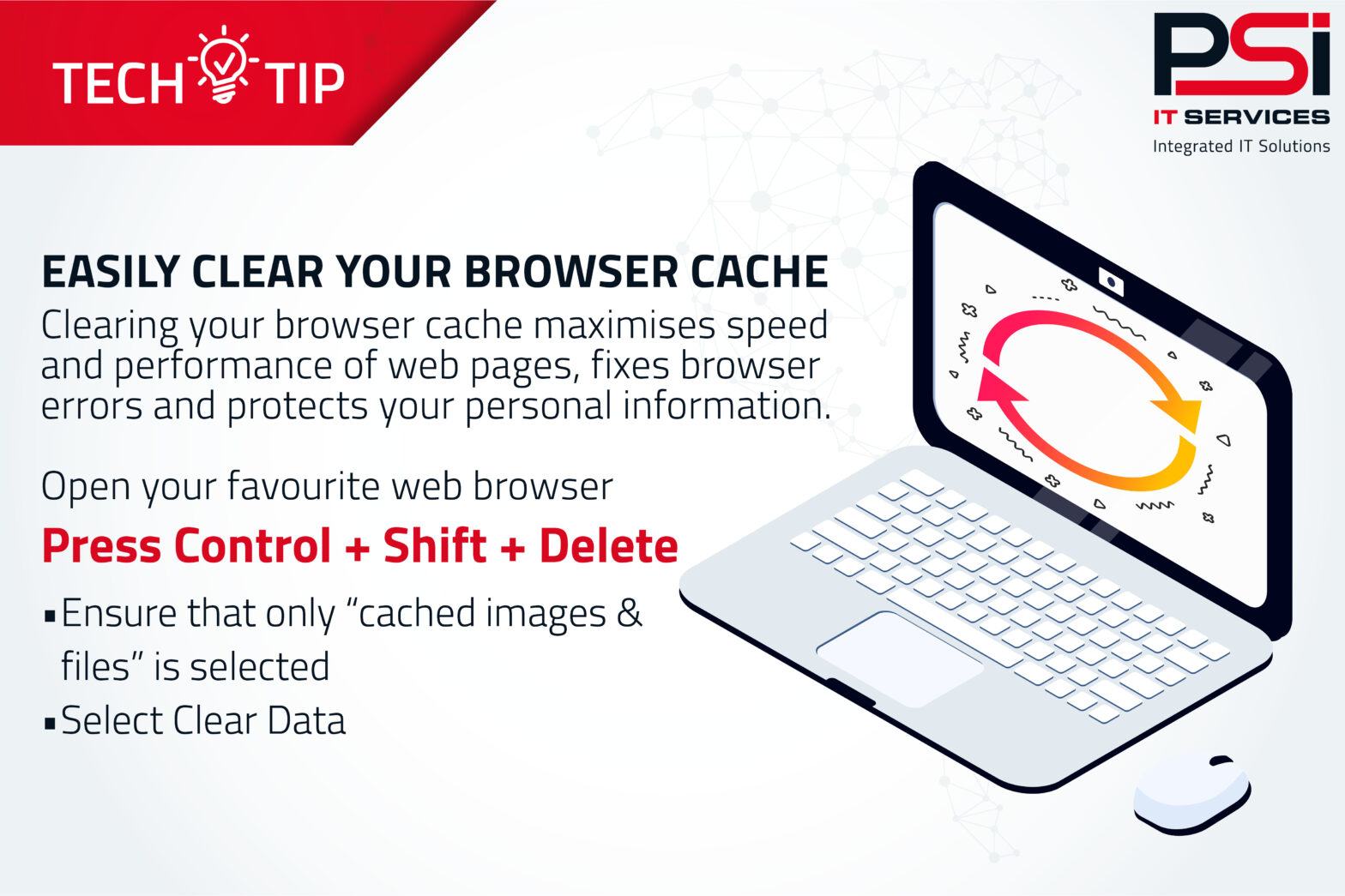
Tech tip: How to clear your browser cache

Tech tip: How to access your Windows emoticons

Tech tip: The “undo” shortcut

Ava - PSI AI Assistant
Ask Ava, the PSI AI Assistant